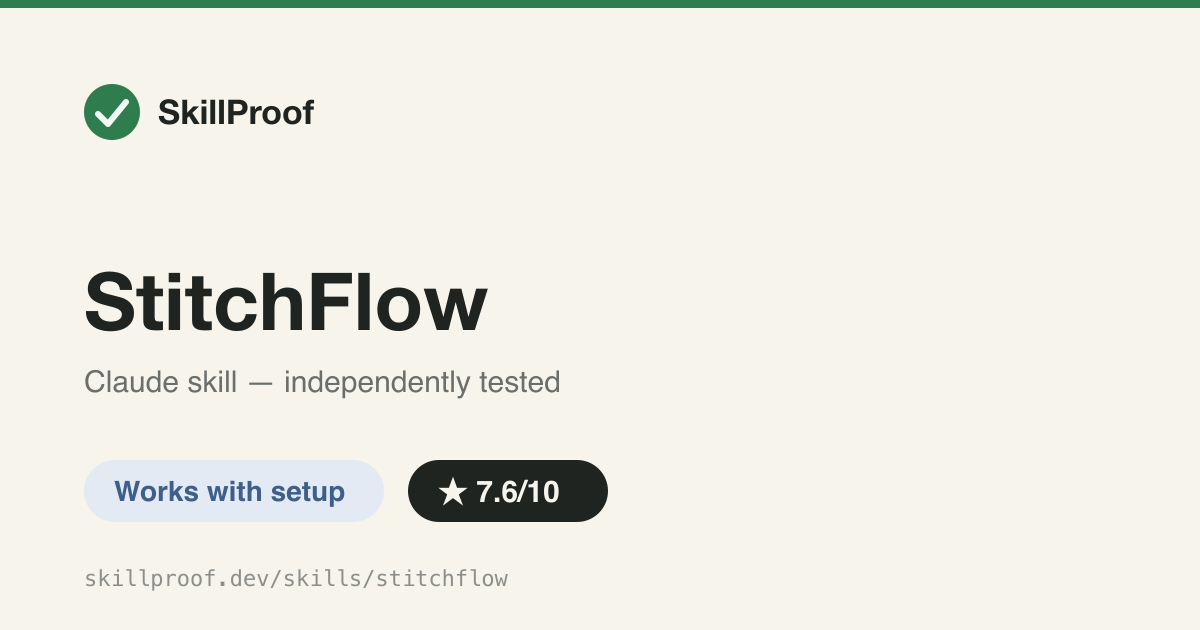
StitchFlow
Orquesta Google Stitch (MCP o kit de herramientas CLI) para generar/editar/exportar pantallas de UI — necesita una clave API de Stitch.
Funciona con configuración
Qué hace
Dirige las solicitudes de diseño (nueva pantalla, editar, variantes, prototipo de varias pantallas, trabajo en DESIGN.md/design-system, exportación local de HTML+captura de pantalla) al flujo de trabajo correcto de Google Stitch, prefiriendo las herramientas nativas de Stitch MCP y recurriendo a un kit de herramientas CLI de Node incluido. Se activa con solicitudes explícitas de Stitch/StitchFlow o solicitudes de prototipo/variante/exportación, pero cada acción real llama al servicio externo de Google Stitch, limitado por clave API.
Informe de la prueba
Todos los flujos de trabajo terminan en `npm run generate` etc. contra el CLI stitch-starter incluido, que vive fuera de la carpeta de la skill en $HOME/.agents/stitch-starter y requiere una clave API de Google Stitch; lo ejecuté de verdad sin clave y falló limpiamente ('STITCH_API_KEY is not set... copy .env.example to .env') en lugar de producir algo, por lo que una copia literal de SKILL.md no es funcional hasta que se agreguen install.sh + una clave API.
Probado el: 2026-07-15 · Claude Code 2.x (agent harness)
Instalación
git clone https://github.com/yshishenya/stitchflow.git
mkdir -p ~/.claude/skills
cp -r stitchflow/skills/stitchflow ~/.claude/skills/stitchflow
# NOT sufficient alone: the skill body executes commands against ${STITCH_STARTER_ROOT:-$HOME/.agents/stitch-starter}, a toolkit outside the skill folder — also run `bash stitchflow/install.sh --target claude` and set STITCH_API_KEY in the toolkit .env
Comandos y prompts de ejemplo
/stitchflowOrquesta Google Stitch (MCP o kit de herramientas CLI) para generar/editar/exportar pantallas de UI — necesita una clave API de Stitch.
Los skills se activan con peticiones en lenguaje natural, sin comandos que memorizar. Tras instalarlo, prompts como estos lo activan (en inglés):
generate a pricing page screen design using Google Stitchcreate a few variants of this onboarding screen through Stitchexport this multi-screen prototype as local HTML with screenshots