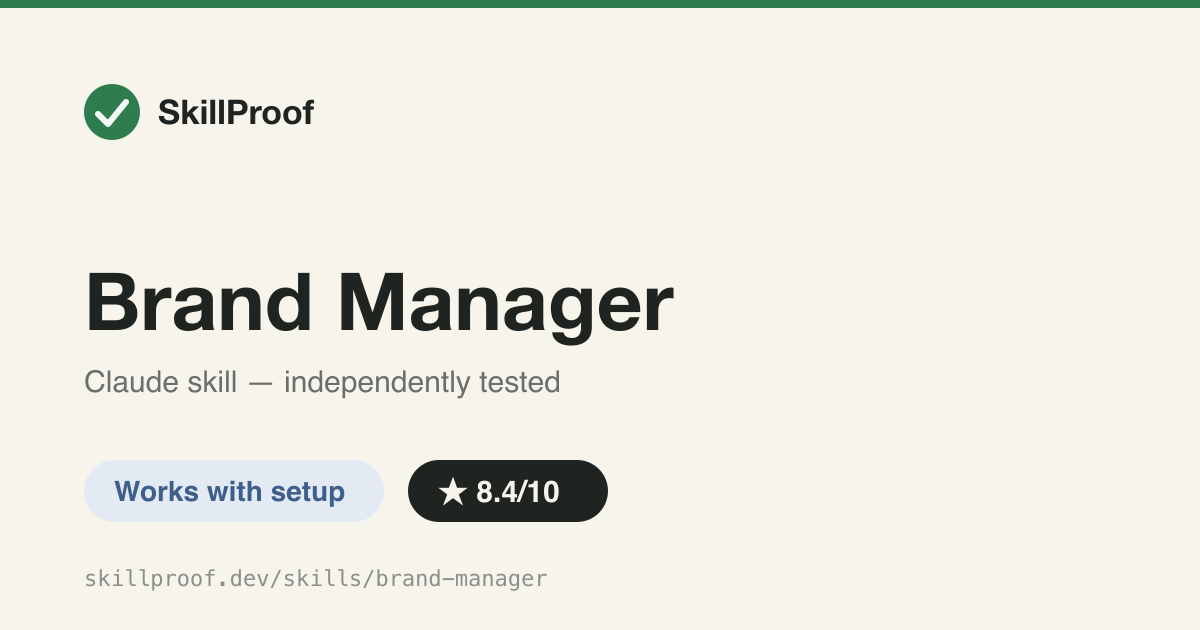
Brand Manager
Guided brand-profile intake for SocialForge's 16-skill social content pipeline.
Funktioniert mit Setup
Was es kann
Runs a structured, multi-step interview to create or update a brand profile (colors, fonts, platforms, compliance rules, approval chain, asset sources) for the SocialForge social-media plugin. Triggers when a user wants to configure a new brand, update brand config, or switch active brand.
Testbericht
Produces a genuinely thorough 5-file brand-config schema (colors, fonts, platform posting mix, approval tiers, compliance warnings) far beyond a generic baseline reply — but the SKILL.md tells users to run `/socialforge:setup` and `/socialforge:brand-setup` slash commands and reads `${CLAUDE_PLUGIN_DATA}`, neither of which exist when only this skill folder is copied per the install instructions; it's really one piece of a 16-skill plugin, not a standalone skill.
Getestet am: 2026-07-16 · Claude Code 2.x (agent harness)
Installation
git clone https://github.com/indranilbanerjee/socialforge.git
cd socialforge
mkdir -p ~/.claude/skills
cp -r skills/brand-manager ~/.claude/skills/brand-manager
Befehle & Beispiel-Prompts
/brand-managerGuided brand-profile intake for SocialForge's 16-skill social content pipeline.
Skills reagieren auf normale Anfragen — keine Slash-Befehle nötig. Nach der Installation aktivieren Prompts wie diese den Skill (auf Englisch):
Set up a new brand profile for my coffee shop with colors and fontsUpdate our approval chain and compliance rules for social media postsSwitch the active brand profile to our new client before we post