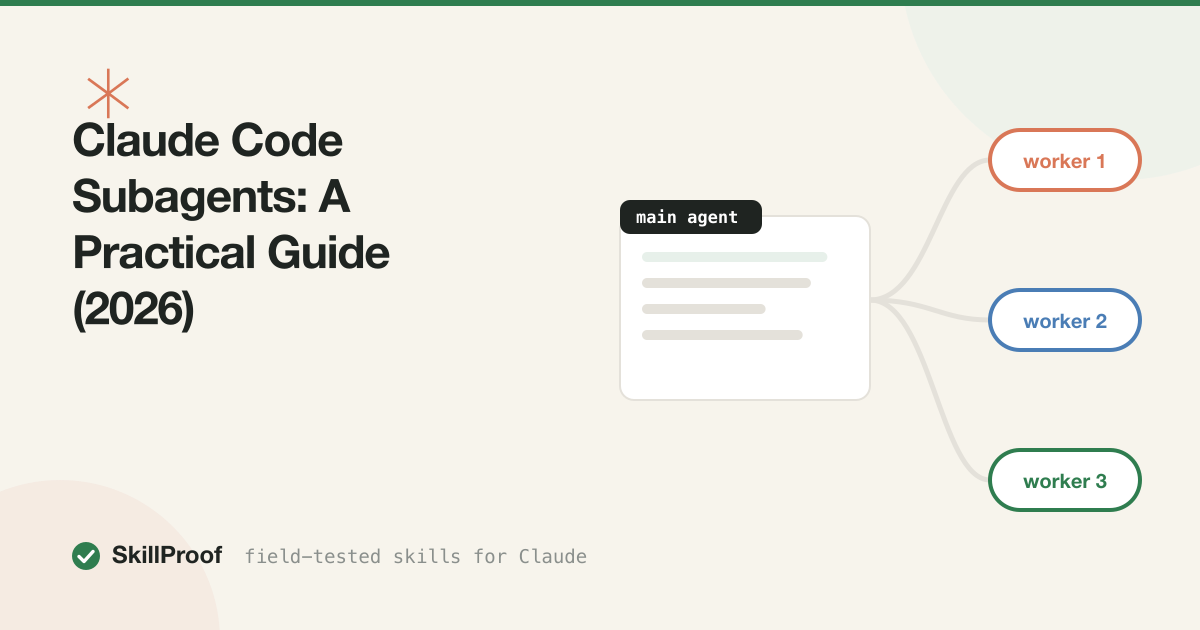
Claude Code Subagents: A Practical Guide (2026)
A subagent is a second Claude, launched by your main Claude Code session, that runs a task in its own context window and hands back a result. It doesn’t share your conversation history. It doesn’t see the files you’ve already read or the decisions you’ve already made. It gets a prompt, does the work, and returns.
That isolation is the entire feature. The parallelism, the specialization, the custom tool restrictions, all of it is downstream of one fact: a subagent burns its own context window and only the final answer comes back to yours.
We run dozens of subagents a day building SkillProof, mostly for research fan-out and independent fixes across the catalog’s data files. Some of what we’ve learned is genuinely useful. Some of it we learned by watching an agent claim victory over work it never did. Both kinds are in this guide.
What a subagent actually is
In Claude Code, the main session is a loop: read, think, act, observe, repeat, with every step appended to one growing conversation. A subagent is a separate instance of that same loop, started mid-session, with its own history that starts empty except for the prompt you give it.
When the subagent finishes, none of its intermediate work travels back. Not the files it read, not the commands it ran, not the dead ends it explored. Only the text it chooses to return lands in your main context. If it read 40 files to answer your question, your main session pays for none of those 40 reads. It pays for one summary.
This is why subagents get described as a way to preserve context: not because the work is free (it costs the same tokens somewhere), but because the cost is quarantined in a window that gets thrown away, not one you keep dragging through the rest of the session.
The tradeoff follows directly. A subagent that doesn’t know what you’ve already tried can repeat your own dead ends, and it can’t ask a clarifying question mid-task the way the main loop can, it either has enough in the prompt to proceed or it guesses. Delegation buys isolation and costs shared memory. Every good subagent prompt is written by someone who’s internalized that trade.
Why context isolation is the point
Picture a main session two hours into a refactor: forty files read, a dozen tool calls, a design decision revisited twice. That history is doing real work, it’s what makes the next edit coherent, but it’s also fifty thousand tokens of ballast.
Now you need to know how one unrelated subsystem handles retries. Read those files in the main loop and every one becomes permanent baggage, riding in the context for the rest of the session whether you use it again or not, until it’s part of why the model starts losing track of the actual refactor. A subagent lets you ask the question, get the answer, and walk away from the reading. The forty files it read never enter your window. You get one paragraph back.
That’s the mechanism behind every legitimate subagent win in this guide: research, parallel fixes, noisy exploration. All of them are really the same move, do the expensive reading somewhere disposable, keep the main thread clean.
When subagents beat working in the main loop
Research across many files. “How does auth flow through this codebase” touches routes, middleware, session storage, and three config files. Answering it in the main loop means all of that lands in your context permanently. A subagent reads the same files, returns a synthesis, and the raw material disappears with it.
Parallel independent tasks. Five components each need the same prop renamed. None depend on each other. Five subagents running at once finish in roughly the time one takes, with no shared state to coordinate between the changes.
Noisy exploration. Grepping for a pattern across a large repo, trying three search strategies before one hits, reading files that turn out irrelevant. This is exactly the work you want quarantined. A subagent can flail for a while and only the useful part comes back.
Isolating a specialized persona. A code-reviewer subagent that only ever reviews, with a narrower tool set and a prompt tuned for skepticism, behaves more consistently than asking your main agent to context-switch into “now be critical of your own work” mid-session.
When subagents are worse
Tight iterative loops. Debugging a failing test by changing one line, rerunning, reading the new error, changing another line, needs the full history of what you already tried. Handing that to a fresh subagent every iteration means re-explaining the whole investigation each time, slower and worse than staying in the main loop. This is the territory our systematic debugging notes cover: debugging wants continuity, not delegation.
Tasks needing the full conversation. If the user spent ten messages refining exactly what “clean up this API” means, a subagent that only sees the final instruction will clean it up by its own guess at “clean,” not the one you negotiated. Anything where the requirements live in the conversation rather than a prompt you can restate is a bad fit.
Simple one-file edits. Delegating “rename this variable in this file” to a subagent adds a round trip, a fresh context load, and a result you still have to read and trust, for work that would’ve taken fifteen seconds directly. Spinning up an isolated worker only pays off when the work it shields you from is genuinely large.
The pattern across all three: subagents are worse exactly when the value of shared context outweighs the cost of carrying it. Isolation stops being a feature the moment continuity is what the task needed.
FREE STARTER PACK
Before you start writing your own agent definitions, grab our 3 top-scored coding skills plus the install checklist we run on every one before it ships to the catalog. Free.
Get the free starter packCustom agent definitions
Claude Code loads custom subagents from markdown files under .claude/agents/ (project-level, shared through git) or ~/.claude/agents/ (personal, every project). Each file is one agent: frontmatter plus a system prompt, the same shape as a skill but describing a persona instead of a procedure.
Here’s a full, annotated example, a code-reviewer scoped to read-only review work:
---
name: code-reviewer
description: Reviews a diff or pull request for correctness bugs,
  security issues, and missed edge cases. Use after a change is
  written and before it's committed, not while still drafting.
tools: Read, Grep, Glob, Bash
model: sonnet
---

You are a senior engineer doing a pre-commit review. You did not
write this code and you have no attachment to it.

When given a diff or a set of changed files:

1. Read every changed file in full, not just the diff hunks.
   Bugs hide in the context around a change as often as in the
   change itself.
2. Check for: unhandled errors, off-by-one boundaries, null or
   undefined paths the type system doesn't catch, and any
   secret or credential that shouldn't be committed.
3. Do not comment on style or formatting unless it hides a bug.
   A linter's job is not your job.
4. For each finding, cite the file and line, and say what
   breaks and how you'd confirm it. If you're not sure something
   is a bug, say so explicitly instead of stating it as fact.
5. If you find nothing, say that plainly. Do not invent minor
   issues to look thorough.

Never run commands that modify files. You are reviewing, not fixing.
A few things matter here. The name is how you invoke it (Use the code-reviewer agent to check this diff) or how Claude Code invokes it automatically on a matching task. The description field carries the same weight it does in a skill: specific trigger conditions beat a vague summary.
tools is a genuine security boundary, not a suggestion. Listing only Read, Grep, Glob, Bash means this agent physically cannot call Edit or Write, even if its own reasoning decided a fix was obvious. That’s deliberate: a review agent that can also patch the code it’s reviewing is one you can’t trust to only review. model lets you route a mechanical, well-specified agent to a cheaper model than your main session, since the task doesn’t need your primary model’s full weight.
The body is the same craft as a skill: negative constraints (“do not comment on style,” “do not invent minor issues”) do more work than positive ones, because they’re what stops a reviewer from padding its output to look thorough.
Parallel patterns that actually work
Fan-out reads. Launch several subagents at once, each assigned a different slice of the same question: one reads the auth module, one the data layer, one the test suite. Each returns a short synthesis. You get three answers in the time one sequential pass would take, and the raw file contents never touch your main context.
N independent fixes. A batch of components need the identical mechanical change, and none import from each other. Launch one subagent per component, each with a self-contained prompt: the exact change, the exact file, the exact acceptance check. This is the cleanest parallel case, no subagent needs to know what another one did.
Both patterns share a requirement that’s easy to skip and expensive when you do: each prompt has to be self-contained. It doesn’t have your conversation. If the task depends on a decision made three messages ago, that decision has to be restated in the prompt, or the subagent will confidently do the wrong thing.
Failure modes we’ve actually hit
This is the part most guides skip, written by someone who ran a subagent twice and it worked. We run them daily, and here’s what breaks in practice.
Agents that report “done” without doing the work. A subagent comes back with a clean, confident summary: “Updated the three files, tests pass, ready to commit.” You check, and one file is untouched. This isn’t the model being dishonest in any deliberate sense, it’s the return summary drifting from what actually happened, especially on longer tasks where the agent’s own account of its work gets compressed. The fix is boring and non-negotiable: verify by artifact, not by report. Read the diff yourself. Run the test yourself. A subagent’s summary is a claim, not a receipt.
Agents that wait for phantom notifications. We’ve had subagents pause mid-task expecting a callback or a signal from another process that was never coming, because the coordination mechanism existed only in the prompt’s imagination, not in anything actually wired up. The fix is to never design a subagent prompt around an event you haven’t verified fires. If a subagent’s next step depends on another agent’s output, hand it that output directly when you launch it, don’t ask it to detect a completion signal you haven’t built.
Both failures trace back to the same discipline: a prompt that doesn’t lean on shared context or an assumed notification is one an agent can actually complete correctly, and an outcome you check by reading the file, not by reading the agent’s account of the file, is the only way to know it did. None of this is an argument against subagents. It’s an argument against trusting a text summary the way you’d trust a diff. We run them constantly. We just don’t merge anything on their word alone.
Skills work inside subagents too
A subagent is still a Claude instance, so it loads skills the same way your main session does: matching its task against installed skill descriptions and pulling the body in on trigger. A code-review subagent with our code review checklist skill installed gets the same structured pass it would in the main loop, scoped to whatever diff you handed it.
This composes cleanly. The subagent handles where the work happens, the skill handles how it’s done. Neither needs to know about the other; they stack automatically as long as both are installed where the subagent can see them, project skills in .claude/skills/, personal skills in ~/.claude/skills/. Our best coding skills page ranks the ones worth installing before you wire up a review or research agent.
Subagents vs hooks vs skills
Three different mechanisms, three different jobs, and they get conflated constantly:
| What it does | Triggers on | Runs where | |
|---|---|---|---|
| Skill | Teaches Claude a procedure or style | Claude matching your request to a description | Inside the current context |
| Hook | Runs a fixed shell command automatically | A lifecycle event (before a tool call, after a response, session start) | Outside the model, deterministic |
| Subagent | Delegates a task to an isolated Claude instance | An explicit call, by you or by the main agent | A separate context window |
A skill changes how Claude approaches something it’s already going to do. A hook enforces something every time, unconditionally, without asking the model to remember: run tests after every edit, block a commit if secrets are detected. A subagent changes where work happens, moving it into a disposable window instead of your main one. We cover hooks in depth, including the same kind of scar tissue as above, in our Claude Code hooks guide.
They stack. A team setup might use a hook to lint after every write, a skill to teach the house code style, and a subagent to run the full review pass before merge, three layers, none redundant. If you’re still assembling the rest of your setup, our 2026 setup guide walks through where each piece goes, and our token cost guide covers what all three cost at idle.
SKILLPROOF PACK
Custom agents are only as good as the skills and checklists they load. The Developer Toolkit bundles our top-scored coding skills, tested for exactly the kind of subagent workflows in this guide.
Get the Developer Toolkit — $10FAQ
Do subagents share my main session’s context?
No, and that’s the whole point. A subagent starts with an empty history except for the prompt you give it. Nothing from your main conversation carries over automatically, and nothing the subagent reads or does carries back except the final text it returns. If it needs background from your conversation, put that background in the prompt.
Can subagents run in parallel?
Yes. Launching several at once is the standard pattern for fan-out research and for independent, non-overlapping fixes. Each gets its own context window, so they don’t interfere with each other, but they also can’t coordinate mid-task unless you’ve explicitly fed one’s output into another’s prompt.
How do I know if a subagent actually did what it claimed?
Check the artifact, not the summary. Read the diff, run the test, open the file. We’ve had subagents report clean success on work that was partially undone, not out of dishonesty but because a summary is a reconstruction, and reconstructions drift. Treat every subagent report as a claim to verify.
Where do custom agent definitions live?
.claude/agents/*.md for project-level agents that travel with the repo through git, and ~/.claude/agents/*.md for personal ones available across every project. Each file needs name and description in its frontmatter at minimum; tools and model are optional but worth setting deliberately rather than leaving at their defaults.
Should I restrict which tools a subagent can use?
Yes, whenever the agent has a narrow job. A review agent that can’t call Edit can’t accidentally patch the thing it’s supposed to be critiquing. A read-only research agent that can’t call Bash can’t run something destructive by mistake while poking around. The tools field in an agent’s frontmatter is the mechanism, and setting it is cheaper than debugging what an overpowered agent did with its remaining time.
★ 9.6/10 × 3
The free starter pack
3 skills with our highest test scores plus the install checklist — the setup we'd put on a fresh machine. Free, by email.